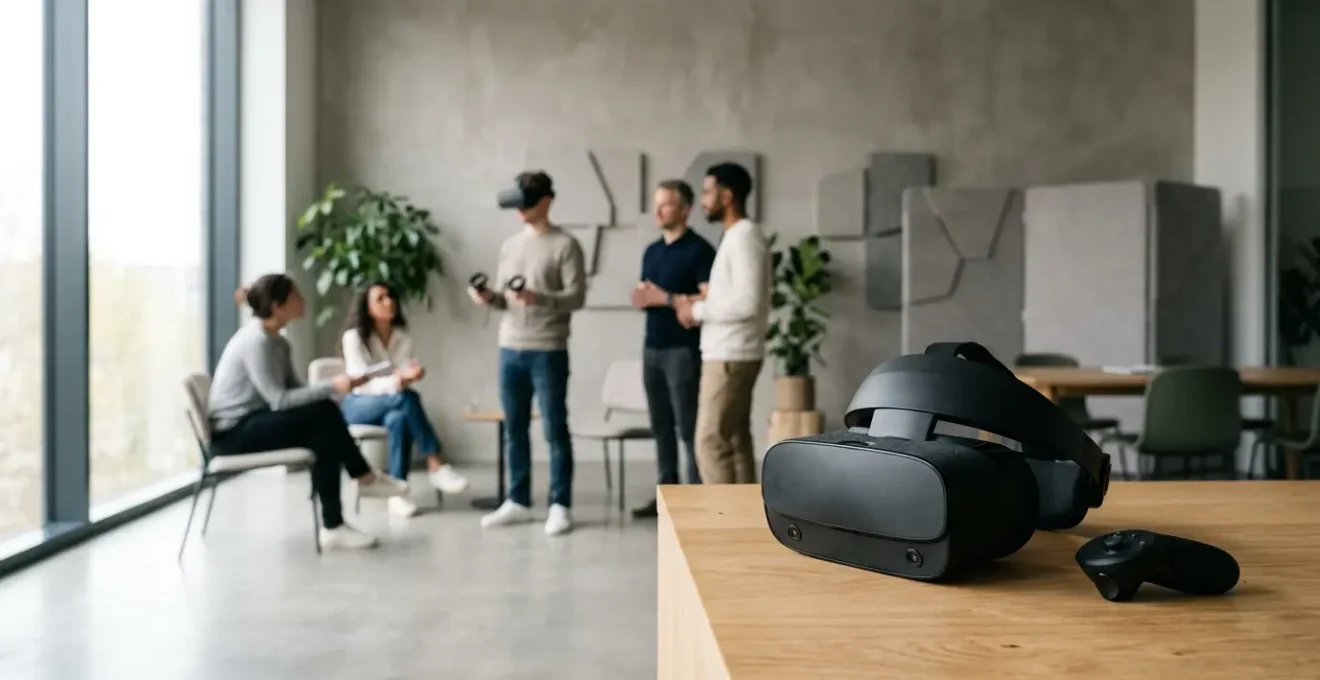
VR training’s success hinges not on avoiding nausea, but on proactively designing for user comfort from day one.
- Higher retention rates are achieved through ‘presence,’ an immersive state that is impossible to reach when a user feels physical discomfort.
- Strategic choices in hardware (typically standalone) and content (matching fidelity to learning goals) are critical for scalable, comfortable deployment.
Recommendation: Treat cybersickness as a critical design metric, not an unavoidable side effect, by implementing structured acclimation and safety protocols before your first training session.
As an HR Director, you’re likely caught between the massive potential of Virtual Reality for training and a legitimate fear: what if this expensive new technology just makes employees feel sick? The promise of accelerated learning and higher retention is alluring, but the specter of « cybersickness » can halt an innovative project in its tracks. The common advice—use good hardware and keep sessions short—is true, but it barely scratches the surface of a successful implementation.
This approach treats nausea as a bug to be patched, rather than a fundamental design constraint to be respected from the outset. The real issue is often a proprioceptive mismatch, a conflict between what the eyes see and what the inner ear feels. Addressing this isn’t just about damage control; it’s about a strategic shift in thinking. The most effective VR training programs are not those that simply avoid discomfort, but those that are built on a foundation of user-centric design where comfort is the primary enabler of engagement and learning.
This guide will move beyond the platitudes to provide a strategic framework for execution. We will explore how to make the right technology and content choices, implement non-negotiable safety protocols, and structure a deployment that prioritizes employee well-being as the key to unlocking VR’s true training potential. By focusing on designing for comfort, you don’t just prevent a negative outcome; you create the conditions for an exceptionally positive one.
To navigate this complex but rewarding landscape, this article provides a structured path. We will cover the core benefits of VR, the critical decisions around hardware and content, and the practical steps for a safe and effective rollout. The following summary outlines the key areas we will explore.
Summary: A Leader’s Guide to Nausea-Free VR Training
- Why Employees Remember 40% More Content Through VR Simulation?
- Tethered vs Standalone Headsets: Which Fits a Multi-Office Training Program?
- 360 Video vs 3D Modeling: Which VR Content Format Is More Cost-Effective?
- The Room Scale Hazard: Preventing Accidents During VR Onboarding Sessions
- How Long Does It Take to Deploy a Custom VR Training Module From Scratch?
- How to Adapt to the Acceleration of Smart Digital Innovation Without Bankrupting Your Startup?
- Which Nootropic Supplements Actually Boost Cognitive Function for Coding Tasks?
- How to Adapt to the Acceleration of Smart Digital Innovation Without Bankrupting Your Startup?
Why Employees Remember 40% More Content Through VR Simulation?
The « 40% more » statistic is often cited, but the reason behind it is what’s truly transformative for corporate training. It comes down to a psychological concept called « presence »—the feeling of actually being in a virtual environment, rather than just observing it on a screen. When the brain accepts the simulation as reality, it engages multiple cognitive pathways. This active, experiential learning process forges stronger neural connections than passive methods like lectures or videos. Employees aren’t just memorizing facts; they are building muscle memory and contextual understanding in a simulated real-world scenario.
In fact, some studies show even more dramatic results. Emerging research demonstrates that VR training significantly enhances retention rates, with some figures reaching as high as 75%. This is because VR allows for learning by doing in a consequence-free environment. A trainee can practice a difficult conversation with a virtual client or perform a complex technical repair multiple times, building confidence and competence with each repetition. This hands-on practice is what cements knowledge long-term.
Case Study: PwC’s Landmark Findings on VR Performance
A comprehensive study by PwC provided concrete metrics on VR’s effectiveness. Their findings revealed that VR learners completed training an incredible four times faster than their classroom-based counterparts. More importantly, they reported feeling 275% more confident in applying their newly acquired skills to real-world situations. This demonstrates that well-designed VR training not only accelerates the learning process but also bridges the critical gap between theoretical knowledge and practical application, a key challenge in corporate development.
Ultimately, VR’s power isn’t magic; it’s neuroscience. By engaging the brain in a more holistic and immersive way, it creates a more memorable and impactful learning experience. This deep level of engagement is why employees not only learn faster but also retain information far more effectively than with traditional training methods. However, achieving this state of presence is entirely dependent on the user’s comfort, which we will explore next.
Tethered vs Standalone Headsets: Which Fits a Multi-Office Training Program?
Choosing the right hardware is a critical early decision that profoundly impacts the scalability, cost, and user experience of your VR training program. For a multi-office deployment, the debate centers on two main categories: tethered headsets, which connect to a powerful PC, and standalone headsets, which are all-in-one wireless devices. While tethered systems offer maximum graphical power, their complexity and physical constraints make them a logistical challenge for widespread deployment.
From a corporate training technologist’s perspective, for any program intended to scale across multiple locations, standalone headsets are almost always the superior choice. Their primary advantage is simplicity. They require no external sensors, no powerful gaming PC at each station, and no cables to restrict movement. This dramatically lowers the barrier to entry, reduces the cost per station, and simplifies support. An employee in a satellite office can simply pick up a headset and start training, an experience that is frictionless and far less intimidating than a complex web of wires.
The following table breaks down the key considerations. While tethered VR excels in graphical fidelity, for most soft skills and procedural training, the processing power of modern standalone devices is more than sufficient. The trade-off for slightly less realistic graphics is a massive gain in mobility, scalability, and ease of use—factors that are paramount for a successful enterprise-wide rollout.
| Feature | Standalone (Wireless) VR | Tethered (PC-Connected) VR |
|---|---|---|
| Mobility | High – completely wireless and portable | Limited – restricted by cable length |
| Setup Complexity | Simple – no external hardware required | Complex – requires powerful PC setup |
| Processing Power | Lower – mobile processors (Snapdragon XR2) | Higher – desktop-grade GPUs (NVIDIA RTX) |
| Graphical Fidelity | Lower – optimized for power efficiency | Superior – high-end graphics and effects |
| Cost Per Unit | Lower – $300-$800 | Higher – $1,500-$3,000+ (headset + PC) |
| Scalability | Excellent – easy to deploy across locations | Challenging – requires dedicated stations |
| Fleet Management | Easier – supports MDM platforms | More complex – individual PC management |
| Best For | Multi-office training, rapid scaling | High-fidelity simulations, complex training |
Furthermore, modern standalone enterprise headsets support Mobile Device Management (MDM) platforms. This allows your IT department to manage an entire fleet of headsets remotely—pushing software updates, deploying new training modules, and monitoring device health from a central dashboard. This level of control is essential for maintaining a consistent and secure training environment across dozens or even hundreds of users in different geographical locations.
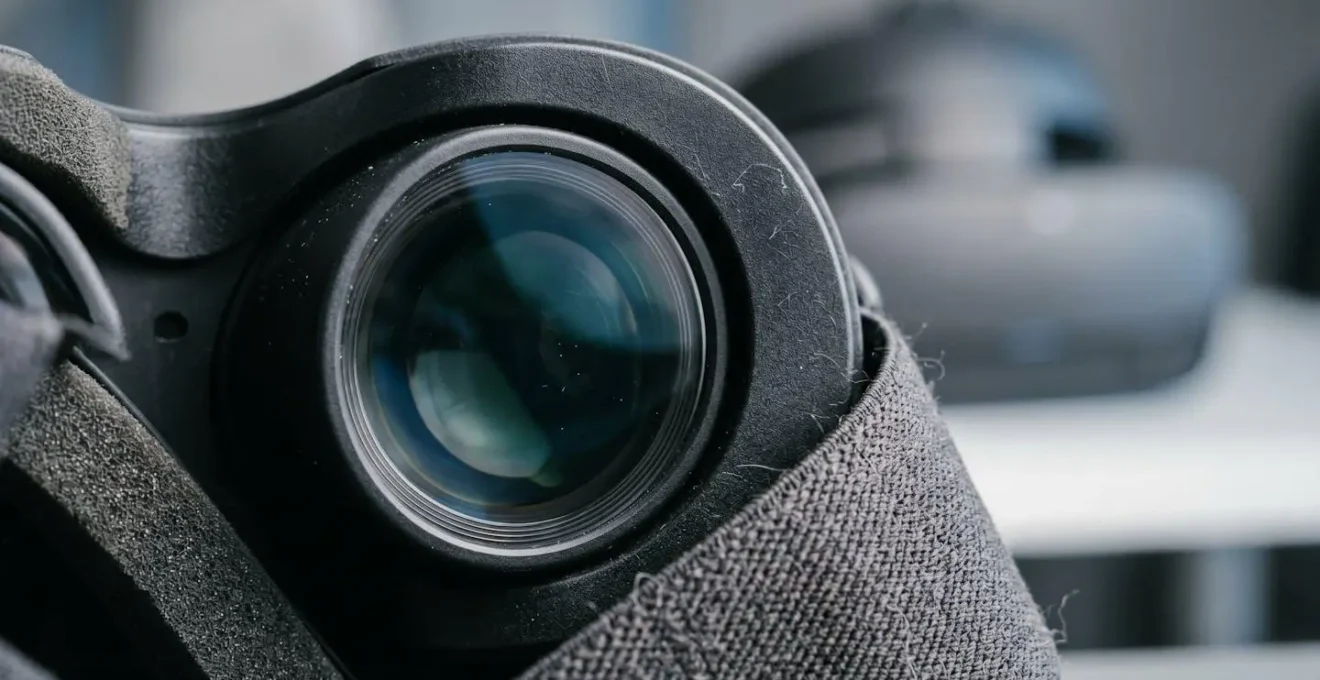
Ultimately, the choice of hardware directly ties into the goal of a nausea-free experience. Standalone headsets, being wireless, eliminate the risk of users tripping on cables and provide complete freedom of movement, which can significantly reduce the sensory conflict that leads to cybersickness. This focus on user freedom and simplicity is a cornerstone of effective user-centric VR design.
360 Video vs 3D Modeling: Which VR Content Format Is More Cost-Effective?
Once you’ve selected your hardware, the next major decision influencing both budget and user experience is the content format. The two primary options are 360-degree video and fully interactive 3D modeling. A common misconception is that one is inherently cheaper than the other. The reality is more nuanced; cost-effectiveness depends entirely on your specific learning objectives and the level of interactivity required.
360-degree video involves recording a real-world location with a special camera, allowing the user to look around from a fixed point. It’s excellent for experiences focused on observation and situational awareness, such as a virtual site tour, a de-escalation training scenario where you observe actors’ body language, or onboarding for a new office. It captures the authenticity of a real environment. While a pilot program for 360-degree VR training typically costs between $40,000 and $60,000, its main limitation is a lack of true interactivity. The user is a passive observer and cannot physically move within the space or manipulate objects.
Fully computer-generated 3D modeling, on the other hand, creates a virtual world from scratch. This allows for complete interactivity—the user can walk around, pick up objects, operate machinery, and interact with dynamic scenarios. This format is essential for procedural or skills-based training, like learning to assemble a product or practicing a surgical technique. The cost for custom 3D content creation for VR training ranges from approximately $15,000 to over $60,000. The wide range reflects that the cost is driven by complexity: a simple model is cheaper than 360 video, while a hyper-realistic, highly interactive simulation can be significantly more expensive.
The most cost-effective approach is to think of these not as a binary choice, but as a fidelity spectrum. You must match the level of immersion and interactivity to the learning goal.
- Low Fidelity (e.g., Simple 360 Video): Best for orientation and observation. Cost-effective for capturing real-world context.
- Medium Fidelity (e.g., 360 Video with Interactive Hotspots): A hybrid approach that adds simple interactive elements (like pop-up information) to a video.
- High Fidelity (e.g., Interactive 3D Models): Necessary for training physical tasks and complex decision-making. The investment is justified by the depth of learning.
Crucially, from a user comfort perspective, fully modeled 3D environments often provide a better experience. They allow developers to maintain a consistent high frame rate and perfectly match the user’s movement within the virtual space, both of which are critical for preventing the sensory mismatch that causes cybersickness. A poorly shot 360 video with unstable motion can be a primary trigger for nausea.
The Room Scale Hazard: Preventing Accidents During VR Onboarding Sessions
Beyond the internal feeling of nausea, a primary concern for any HR Director is the physical safety of employees using VR. An immersed employee is, by definition, unaware of their physical surroundings. This creates a « room scale hazard, » where a user can easily walk into a desk, wall, or another person. Mitigating this risk requires a combination of technology, environmental setup, and clear user protocols. This is not an optional extra; it is a non-negotiable part of a responsible VR training implementation.
The very phenomenon that causes these accidents is closely linked to cybersickness. Research indicates that between 40-70% of VR users experience some degree of motion sickness, especially in their initial sessions. This disorientation can increase the risk of a stumble or fall. Therefore, a protocol designed to prevent physical accidents also helps to manage the onset of nausea. The key is to create a controlled, predictable, and safe « acclimation » experience for every new user.
Modern VR headsets have a built-in safety feature called a « guardian » or « chaperone » system, which allows the user to trace a virtual boundary around their safe play area. If they approach this boundary, a virtual wall appears, warning them of the physical obstacle. However, relying solely on this technology is insufficient. A comprehensive safety strategy involves preparing the physical space and the user before the headset is even put on.
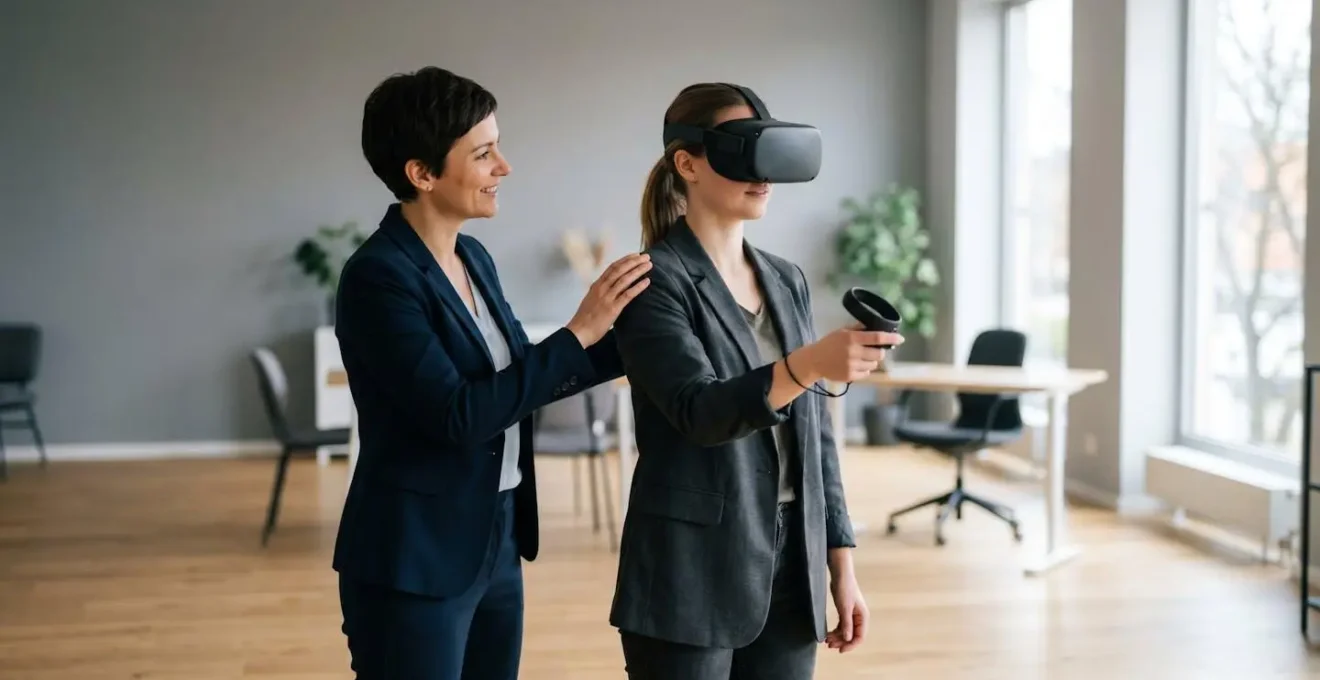
A dedicated, trained facilitator is essential during onboarding sessions. Their role is to guide the user, ensure safety protocols are followed, and watch for early signs of disorientation or discomfort. This human touch provides a crucial layer of safety and reassurance that technology alone cannot. The following checklist should be treated as a mandatory « pre-flight » procedure for every single VR training session, especially for new users.
VR Safety Pre-Flight Checklist: Ensuring a Safe Training Environment
- Points of contact: Ensure a VR Safety Facilitator is positioned within arm’s reach to provide verbal guidance and recognize early cybersickness signs.
- Collecte: Conduct a physical space scan to ensure at least a 6.5 feet by 6.5 feet clear area, free from any obstacles, furniture, or tripping hazards.
- Cohérence: Verify the headset’s Guardian boundary system is properly configured and clearly visible to the user before the session starts.
- Mémorabilité/émotion: Brief users on the procedure to immediately and safely remove the headset if they experience any dizziness, disorientation, or nausea.
- Plan d’intégration: Implement a phased session plan with mandatory breaks. Start with very short sessions (3-5 minutes) for new users, with 2-3 minute breaks every 15 minutes of use.
How Long Does It Take to Deploy a Custom VR Training Module From Scratch?
One of the most common questions from leadership is about the timeline. « How long until we see results? » The answer is that deploying a custom VR training module is not a single task but a multi-stage project. A realistic timeline depends heavily on the complexity of the content and the scale of the rollout. Adopting an agile, phased approach is the most effective way to manage development, gather feedback, and ensure the final product meets its objectives without lengthy delays.
A typical custom VR training project can take anywhere from 3 to 9 months from initial concept to full enterprise deployment. Attempting to build a perfect, all-encompassing module from the start is a common mistake that leads to budget overruns and missed deadlines. Instead, the goal should be to get a Minimum Viable Product (MVP) into the hands of a small pilot group as quickly as possible. This allows for real-world testing, especially for comfort and potential nausea triggers, and provides invaluable feedback to guide the rest of the development process.
The deployment can be broken down into distinct, manageable phases. This agile methodology ensures that each stage builds upon a validated foundation, reducing risk and allowing for course corrections along the way.
- Phase 1: Low-Fidelity Prototype & Cybersickness Testing (2-3 weeks): This initial phase focuses on creating a basic, interactive prototype to validate the core learning mechanics. Most importantly, it’s used to test for any nausea triggers with a small, controlled group of users.
- Phase 2: Minimum Viable Product (MVP) Development (1-2 months): Based on prototype feedback, a functional training module with essential features is built. This MVP is then deployed to a larger pilot group for more extensive feedback.
- Phase 3: Full Production & Content Creation (2-4 months): With the core experience validated, the team completes all 3D assets, interactive scenarios, and integrates the module with your Learning Management System (LMS).
- Phase 4: Enterprise Deployment & Scaling (1-2 months): The polished module is rolled out across multiple locations, including device setup, trainer onboarding, and setting up performance monitoring.
- Phase 5: Iterative Improvement & Optimization (Ongoing): A VR module is a living product. Continuous refinement based on usage analytics and learner feedback is crucial for long-term success.
While the initial development requires a significant investment of time, the long-term payoff can be dramatic. A well-designed VR module can drastically reduce the time required for future training sessions.
Case Study: UPS’s Dramatic Reduction in Training Time
A compelling example is UPS’s implementation of VR for driver training. Their program led to a 75% reduction in training time per employee. What traditionally took 8 hours of mentor-led training was condensed into just 2 hours using VR, all while maintaining or even improving learning outcomes. This showcases how the upfront investment in a custom module can generate substantial long-term returns in efficiency and operational savings once deployed at scale.
How to Adapt to the Acceleration of Smart Digital Innovation Without Bankrupting Your Startup?
For any organization, and especially those with tight budgets, adopting a « smart digital innovation » like Virtual Reality can feel daunting. The key to adapting without breaking the bank is to reframe the goal from « implementing VR » to « solving a specific business problem with VR. » This strategic mindset shifts the focus from a costly, large-scale technological overhaul to a targeted, measurable, and scalable investment.
The first principle is to start small and prove ROI. Instead of commissioning a suite of ten training modules, identify the single most impactful use case. Is it onboarding new hires for a complex role? Safety compliance training for a high-risk environment? Improving sales team’s soft skills? Choose one area where traditional training is either expensive, inefficient, or ineffective. Develop a pilot program (the MVP from our previous section) for this specific need. This focused approach allows you to test the technology and demonstrate clear, quantifiable results—such as reduced training time, improved error rates, or higher employee confidence—to stakeholders before committing to a larger investment.
Secondly, strategic adaptation means making smart technology choices that favor scalability over raw power. As we discussed, for most corporate training needs, a fleet of standalone VR headsets represents a far more cost-effective and scalable solution than a few high-end, PC-tethered stations. The lower cost per unit and simplified logistics mean you can deploy the training to more employees across more locations for the same budget. This focus on reach and accessibility is critical for maximizing the return on your innovation investment.
Finally, adapting intelligently involves leveraging the « fidelity spectrum » of content creation. Don’t pay for a hyper-realistic 3D simulation if a well-produced 360-degree video can achieve the learning objective. By aligning the content’s complexity and cost directly with the training goal, you avoid overspending on features that don’t contribute to the desired learning outcome. A successful VR strategy isn’t about having the most graphically impressive experience; it’s about having the most effective one for your specific needs and budget.
Which Nootropic Supplements Actually Boost Cognitive Function for Coding Tasks?
While a title might suggest looking for a « quick fix » to enhance performance, the truth in high-stakes professional environments like VR training is that there are no magic pills. The most powerful way to boost cognitive function, focus, and learning within a VR simulation has nothing to do with supplements. It’s about thoughtful, user-centric design that reduces unnecessary cognitive load.
In the context of VR, « cognitive load » refers to the total amount of mental effort being used in the working memory. A poorly designed VR experience can overwhelm a user’s cognitive capacity, not just with the learning task itself, but with the effort of navigating the interface, processing jarring visuals, and fighting off feelings of disorientation. When cognitive load is too high, learning plummets and discomfort rises. The real « cognitive boosters » are design principles that clear away this mental clutter.
The most effective strategies for boosting cognitive performance in VR are grounded in neuroscience and user experience design:
- Minimizing Proprioceptive Mismatch: As discussed, the core cause of cybersickness is a sensory conflict. Ensuring the virtual world responds flawlessly to the user’s head movements, maintaining a high and stable frame rate, and avoiding artificial camera movements are the most critical technical steps to reduce the brain’s workload of « fighting » the simulation. A comfortable user is a focused user.
- Intuitive User Interface (UI): How does a user select an option or grab an object? If the controls are confusing or inconsistent, a significant portion of their mental energy is wasted on figuring out how to operate the system, rather than on the training material. A clean, predictable UI is paramount.
- Structured Acclimation Protocols: A user’s brain needs time to adapt to a virtual environment. Throwing them into a complex, fast-moving simulation from the start is a recipe for cognitive overload and nausea. A proper onboarding process starts with simple, static environments and gradually introduces more complexity, allowing the brain to acclimate comfortably.
Instead of searching for an external supplement, the focus for an HR director should be on ensuring their chosen VR solution is built on these principles. During vendor selection, ask pointed questions: « What is your strategy for minimizing cognitive load? » and « How do you design for user acclimation? » The answers will reveal far more about their ability to deliver an effective, comfortable, and cognitively enhancing training experience than any discussion of gimmicks.
Key Takeaways
- VR’s learning effectiveness is directly linked to achieving « presence, » a state that is impossible to reach if the user is physically uncomfortable or nauseous.
- For enterprise-wide deployment, prioritize scalable technology like standalone headsets and content strategies that match fidelity to specific learning goals.
- A proactive safety protocol, including a pre-flight checklist and a structured user acclimation plan, is a non-negotiable part of a responsible VR program.
How to Adapt to the Acceleration of Smart Digital Innovation Without Bankrupting Your Startup?
Embracing an innovation like Virtual Reality training is not a single, one-time project; it’s a strategic shift. True adaptation means integrating this powerful tool into your corporate training ecosystem in a way that is sustainable, scalable, and delivers measurable returns. The principles we’ve discussed—from hardware choice to content strategy—are not just technical details; they are the building blocks of a financially responsible and effective innovation strategy.
The overarching theme is a relentless focus on the user’s experience. This may sound soft, but it has hard financial implications. An uncomfortable or nauseating experience leads to low adoption rates, disengaged employees, and a wasted investment, regardless of how technologically advanced the simulation is. Conversely, a program designed from the ground up for comfort, safety, and intuitive use will drive engagement, accelerate learning, and ultimately deliver the powerful ROI that VR promises. User comfort is not a feature; it is the entire foundation.
This approach transforms how you evaluate potential VR solutions. Instead of being dazzled by graphical fidelity, you start asking more pointed questions: How will this scale to 100 users in 5 offices? What is the protocol for onboarding a first-time user who is apprehensive? How does the design actively work to minimize cognitive load? A vendor who can answer these questions effectively is a partner focused on a successful deployment, not just a technology sale.
Successful adaptation is iterative. It begins not with a massive budget allocation, but with identifying a single, critical business problem and launching a well-structured pilot to solve it. Prove the value on a small scale, learn from the experience, and then expand strategically. This measured, evidence-based approach is how you harness the power of smart digital innovation without risking the financial health of your organization. It ensures that your investment in the future of training is both bold and wise.
The next logical step is to move from theory to practice. Begin by identifying a single, high-impact training scenario within your organization that could be a candidate for a VR pilot program. Evaluating this first step through the lens of user-centric design is the start of your successful adaptation to this transformative technology.